


.gif)


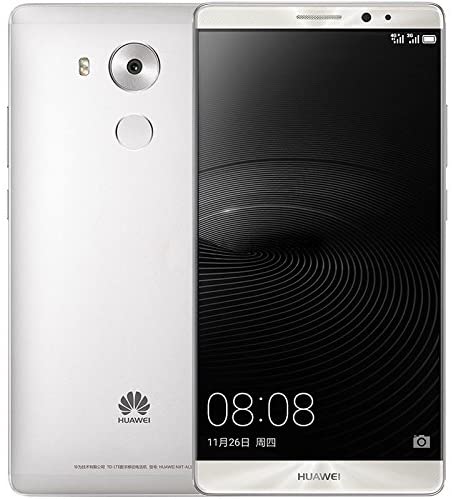
 تخطي جوجل اكونت Huawei Mate 8(NXT-L29)
تخطي جوجل اكونت
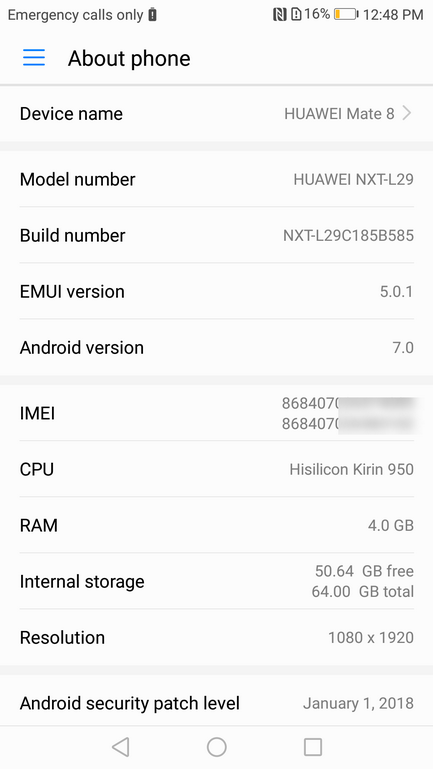
Huawei Mate 8
(NXT-L29)
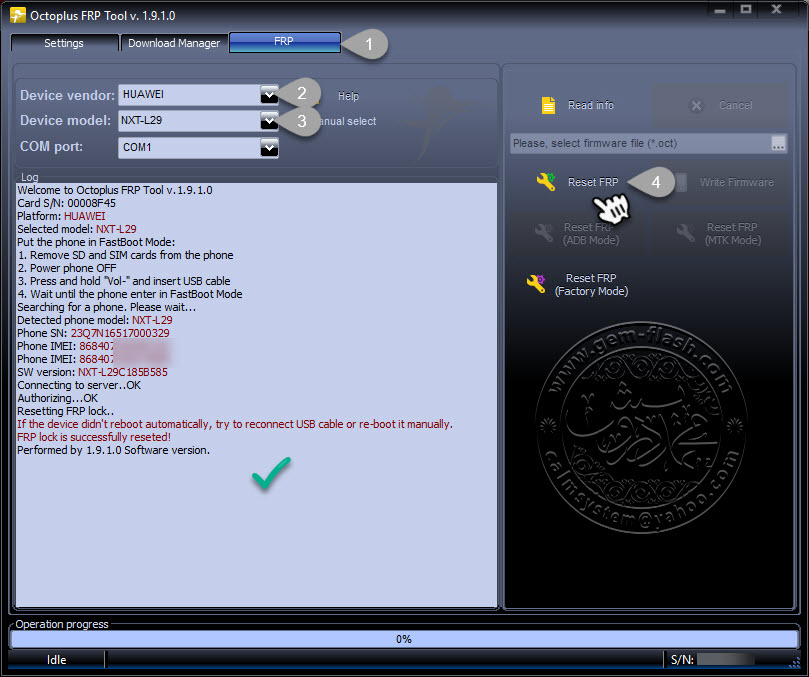
فقط اغلاق الهاتف وتوصيل كابل usb
كود:Welcome to Octoplus FRP Tool v.1.9.1.0 Card S/N: 00008F45 Platform: HUAWEI Selected model: NXT-L29 Put the phone in FastBoot Mode: 1. Remove SD and SIM cards from the phone 2. Power phone OFF 3. Press and hold "Vol-" and insert USB cable 4. Wait until the phone enter in FastBoot Mode Searching for a phone. Please wait... Detected phone model: NXT-L29 Phone SN: 23Q7N16517000329 Phone IMEI: 8684070************ Phone IMEI: 86840702*********** SW version: NXT-L29C185B585 Connecting to server..OK Authorizing...OK Resetting FRP lock.. If the device didn't reboot automatically, try to reconnect USB cable or re-boot it manually. FRP lock is successfully reseted! Performed by 1.9.1.0 Software version.


 رد مع اقتباس


المفضلات