


Step Thir****
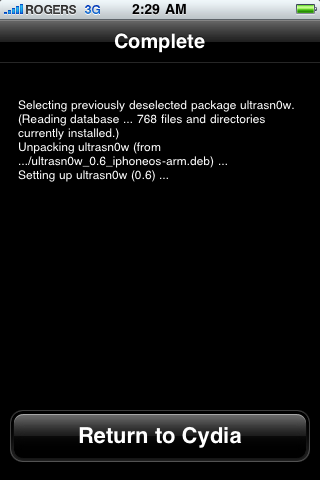
After installation completes successfully press the large Return to Cydia button.
Step Four****
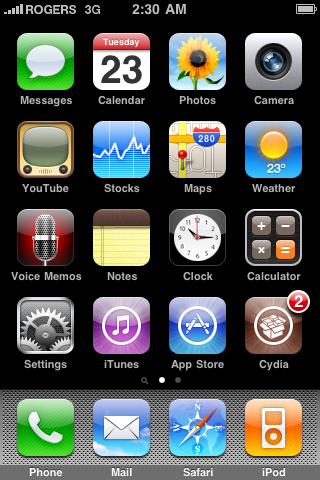
Now press the Home button then power off and power on the iPhone. You do this by holding down the power button for 3 seconds then moving the power slider that appears to the right. Press the power button again to turn on the phone.
Step Fif****
You should now be able to insert the SIM of your choice!
masha ALLAH enjoy


 رد مع اقتباس


المفضلات