


.gif)


 تغيير صوره فتح الهاتف logohلبووت لوقو لاجهزه mtk
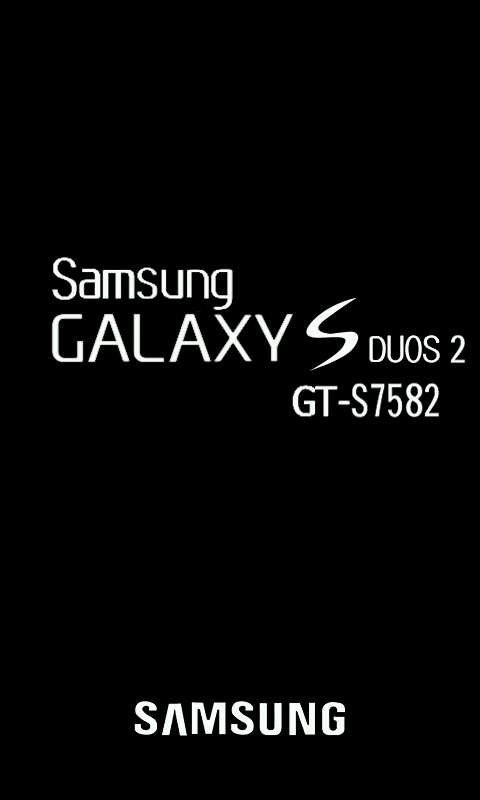
وهي الصوره التي يفتح بها الجهازمثل
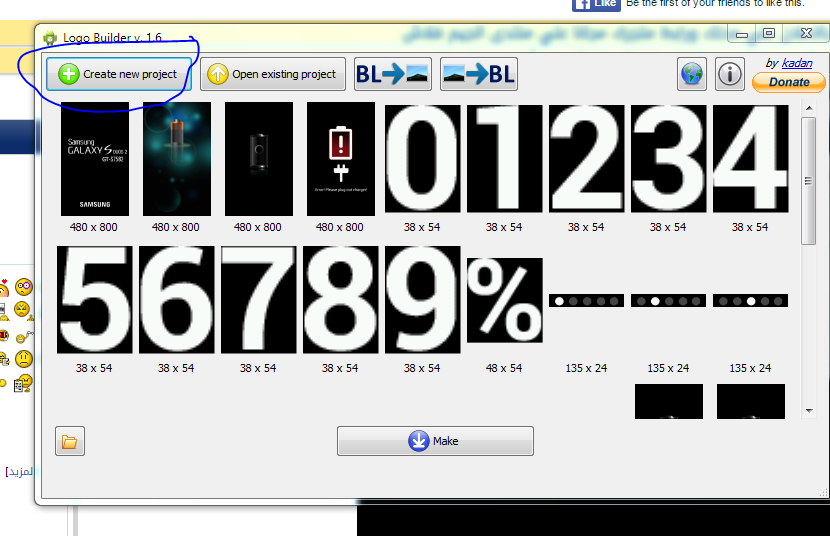
يمكنك تغييرها باي صوره من اختيارك بواسطه برنامج اسمه LOGOBUILDER
البرنامج بسيط جدا
اول ماتفتحمه تختار CREATE NEW PROJECT
وتختار ملف LOGO.BINمن الفلاشه الاسكاتر سيعطيك مكان لحفظ المشروع
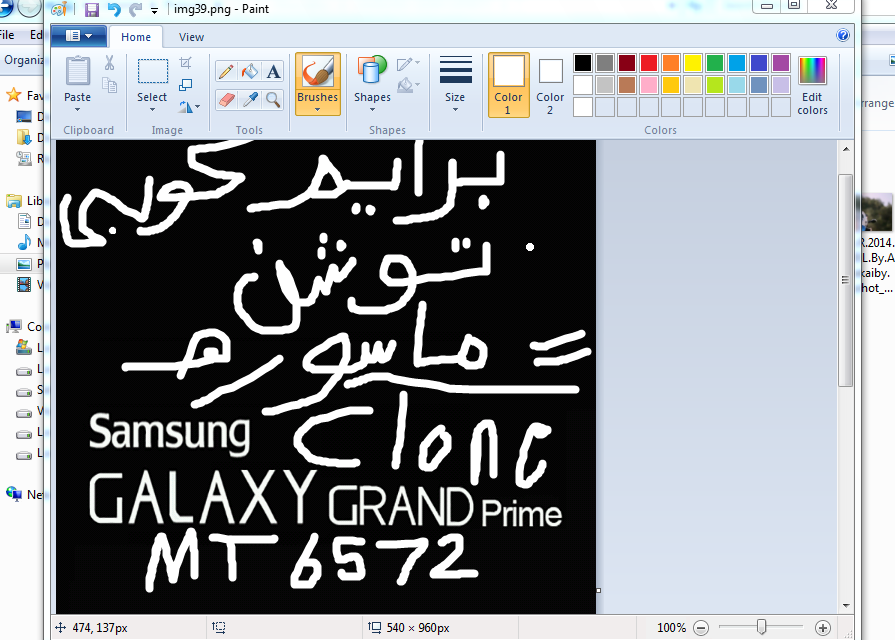
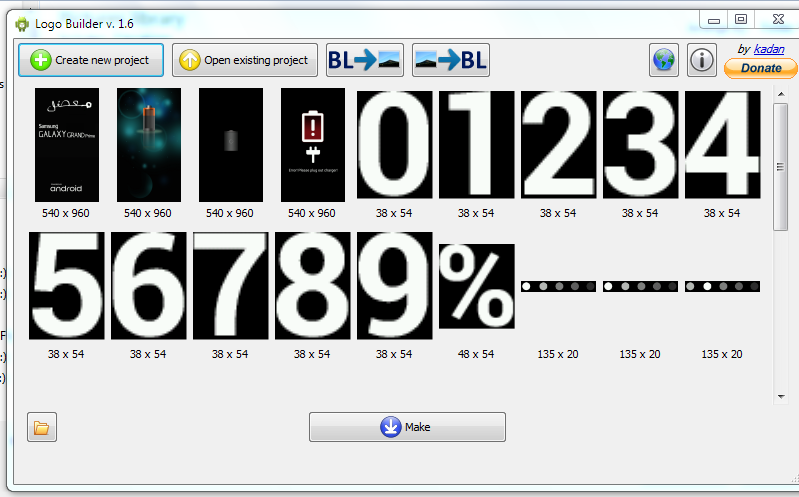
يمكنك التعديل على الصوره الاصليه بالضغط يمين على اول صوره right click ثم تضغط edit ستفتح معك الصوره بالرسام يمكنك التعديل عليها ثم تضغط make سيتم حفظ الصور كلها ومعها logo.binفي المكان المحدد تاخذ logo.binوتستبدله بالملف الاصلي في الفلاشه الاسكاتر
اوتختار الخيلر كما في الصوره ادناه لتختار الصوره الجديده
التي تريد استبدالها
وتحدد مقاييس الصوره
سيتم حفظ ملف UPDATE.ZIPيمكنك تفليشه عبر الريكوفري المعدل او تفك الضغط عن الملف وتختار ملفLOGO.BIN
وتستبدله بملف LOGO.BINمن الفلاشه الاسكاتر
To create new project you just need to select a logo.bin file and specify a project directory.
You can specify program language explicitly adding it's short name to command line, eg. "LogoBuilder en-US".
You can place update-binary or updater-script files to project directory, so the program will use them in update.zip creation.
After creating a project program will search for update-binary and updater-script files in its directory and copy them to the project directory for using in update.zip creation.\nThis feature can be used for program adaptation for a specific phone model or CWM version.
You don't need convert BMP or JPG images to PNG, you can just rename them to imgN.png (this feature is provided by the Image class from .NET framework).
By default program creates update.zip file, appropriated for ZP100 and ZP300 based on mtk6575. (it flashes /dev/logo)
Secret feature!\nYou can make a boot_logo file via this program. Just try drag an image file to the program.
رابط تحميل البرنامج http://www.mediafire.com/download/20sg0rc8119by9f/LogoBuilder_v1.6.zip

 رد مع اقتباس



.gif)

.gif)


المفضلات