كود:
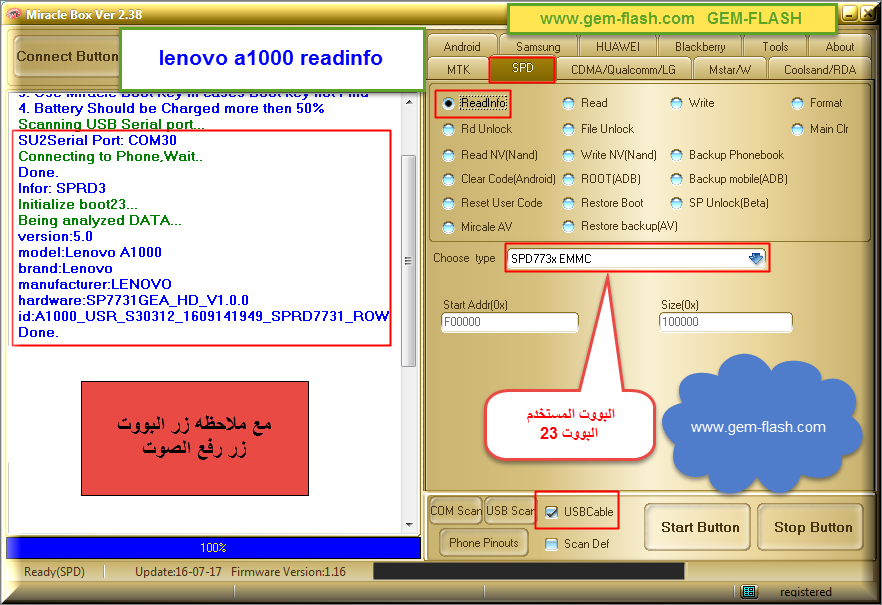
Definition Applied
  1. Power Off Phone , Remove Battery, Insert Battery Back
  2. Please Hold BootKey(UP and DOWN),Insert USB cable
  3. Use Miracle Boot Key In cases Boot key not Find
  4. Battery Should be Charged more then 50%
  Scanning USB Serial port...
  SU2Serial Port: COM30
  Connecting to Phone,Wait..
  Done.
  Infor: SPRD3
  Initialize boot23...
  Being analyzed DATA...
  version:5.0
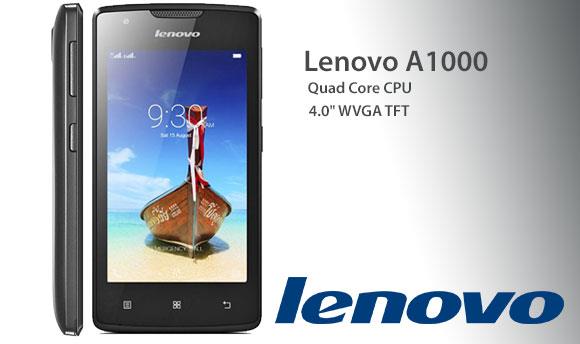
  model:Lenovo A1000
  brand:Lenovo
  manufacturer:LENOVO
  hardware:SP7731GEA_HD_V1.0.0
  id:A1000_USR_S30312_1609141949_SPRD7731_ROW
  Done.
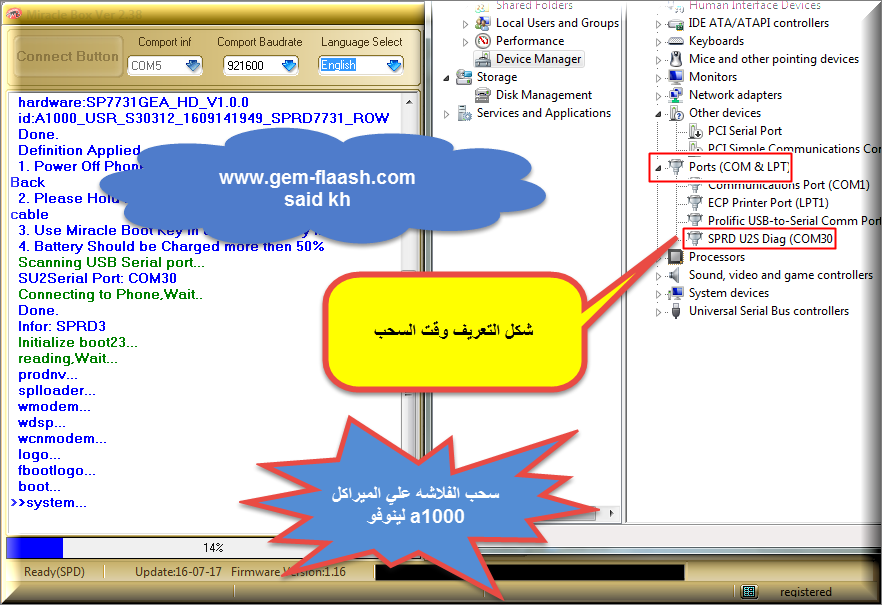
  Definition Applied
  1. Power Off Phone , Remove Battery, Insert Battery Back
  2. Please Hold BootKey(UP and DOWN),Insert USB cable
  3. Use Miracle Boot Key In cases Boot key not Find
  4. Battery Should be Charged more then 50%
  Scanning USB Serial port...
  SU2Serial Port: COM30
  Connecting to Phone,Wait..
  Done.
  Infor: SPRD3
  Initialize boot23...
  reading,Wait...
  prodnv...
  splloader...
  wmodem...
  wdsp...
  wcnmodem...
  logo...
  fbootlogo...
  boot...
  system...
  cache...
  recovery...
  userdata...
  Read Completed.
  File save to: C:\Users\said\Desktop\SCxx.mira
>>Picture save to:C:\Program Files\Miracle Box\Screen\mir_161005103028.jpg



 فلاشه لينوفو A1000_USR_S30312_1609141949_SPRD7731_ROW


 رد مع اقتباس


المفضلات