طريقة فك شيفرة الايفون 4 و 4s واي بيزباند وفيرجن 4 الى اخر فيرجن 5.1
These are instructions on how to unlock your iPhone using SAM. This method will work with the iPhone 4S, iPhone 4, iPhone 3GS, and iPhone 3G on any jailbreakable firmware including 5.x.
Step One
Jailbreak your iPhone. You can find instructions on how to do that using the iClarified
Jailbreak Wizard.
طبعا يجب ان يكون الايفون عليه السيديا منصبة
نبدا على بركة الله:-
Step Two
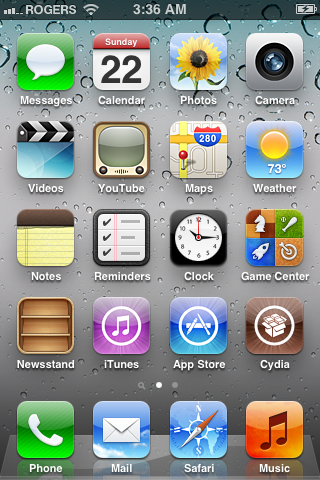
Tap to launch
Cydia from your SpringBoard.
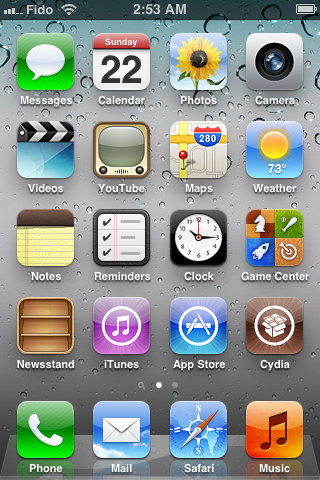
Step Three
Press to select
Manage from the tabs at the bottom of the screen.
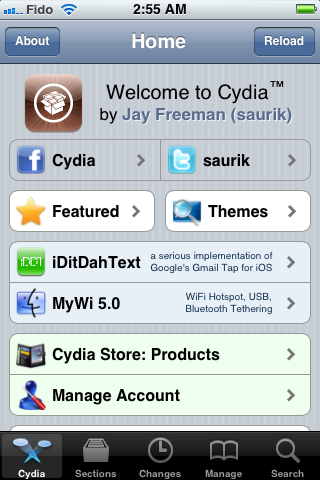
Step Four
Press the large Sources button.
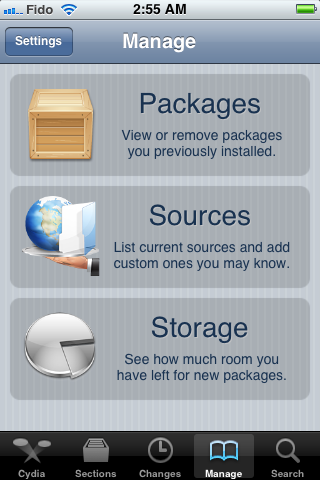
Step Five
Press the
Edit button at the top right of the screen.
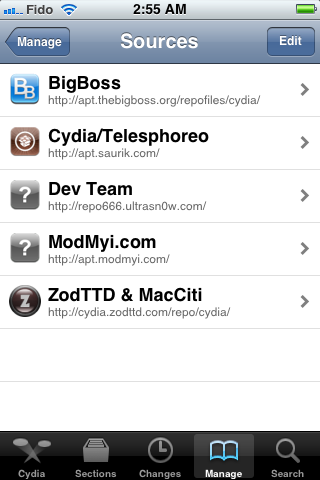
Step Six
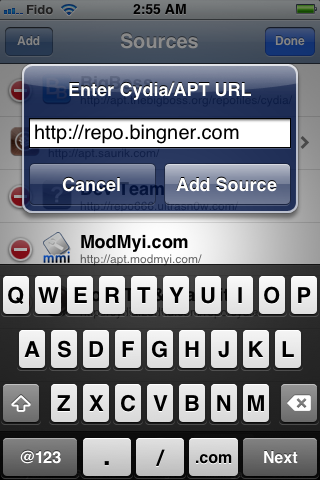
Press the Add button that appears at the top left of the screen.
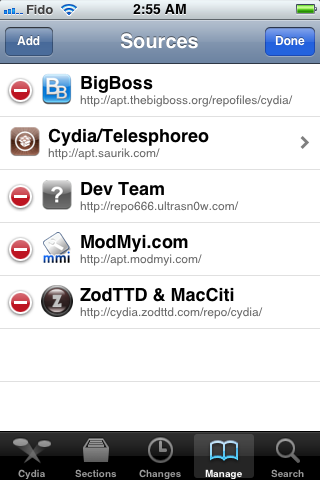
Step Eight
Press the large
Return to Cydia button.
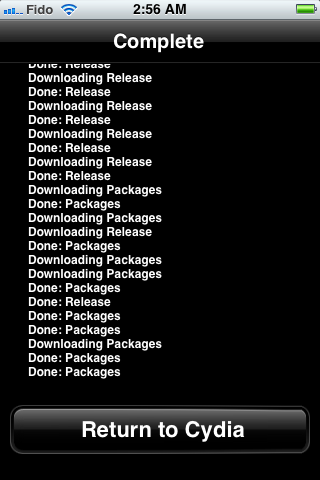
Step Nine
Press to select
Bingner from the list of Sources.
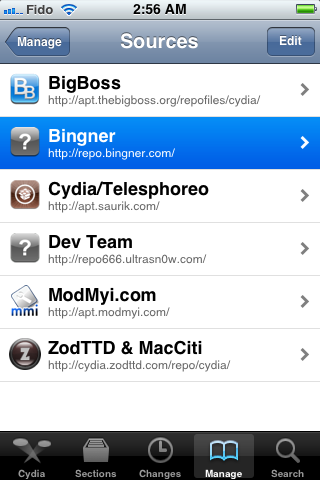
Step Ten
Choose
SAM from the list of packages.
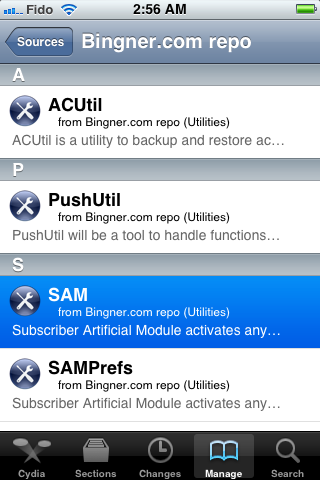
Step Eleven
Press the
Install button at the top right of the screen.
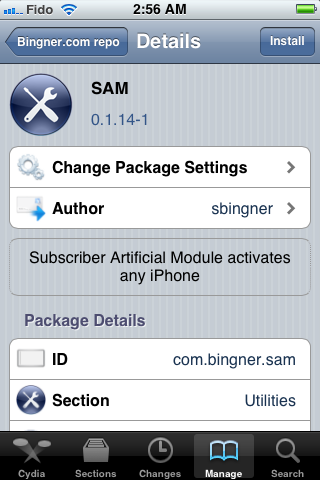
Step Twelve
Press the
Confirm button to begin installation.
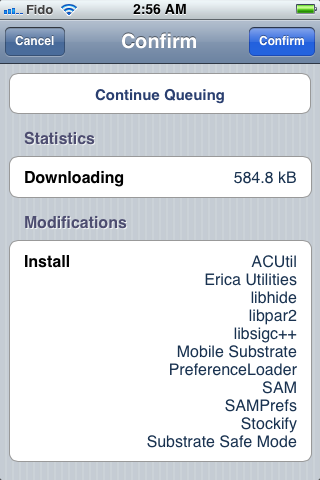
Step Thirteen
Once installation has completed press the large
Restart SpringBoard button.
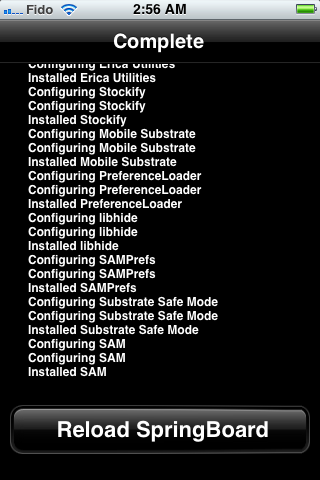
Step Fourteen
Insert your new SIM card and tap to select
SAMPrefs from your SpringBoard.
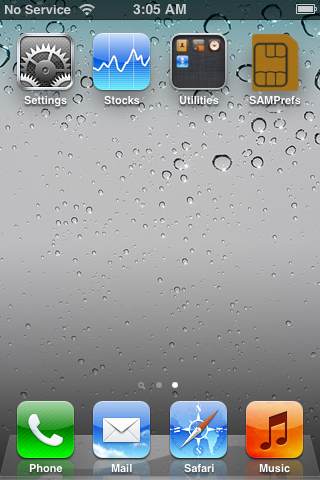
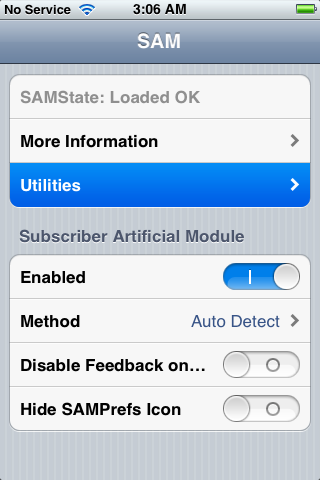
Step Fifteen
Tap
Utilities
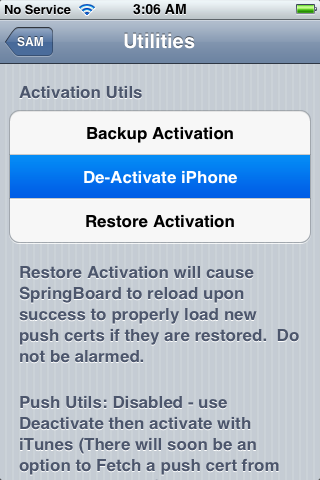
Step Sixteen
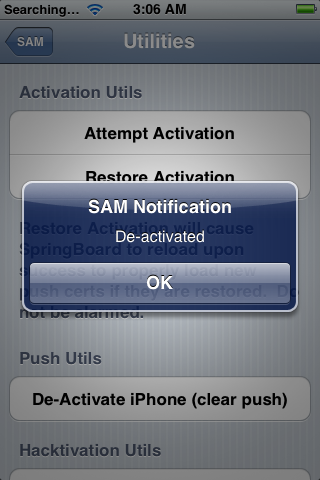
Press to select
De-Activate iPhone. Your ActivationState under "More Information" should now be "Unactivated". If you don't have
De-Activate iPhone you can use
De-Activate iPhone (clear push).
Step Seventeen
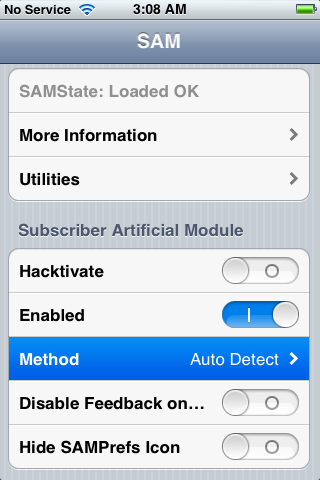
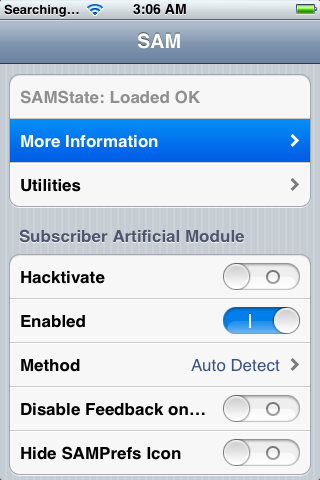
With SAM enabled, tap
Method and choose
By Country and Carrier.
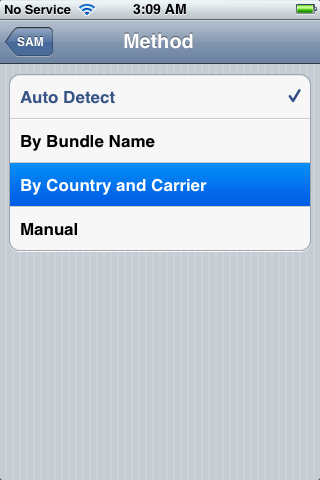
Step Eighteen
Tap
Country and choose the country of your ORIGINAL SIM.
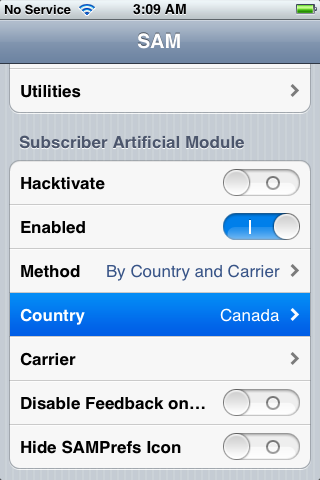
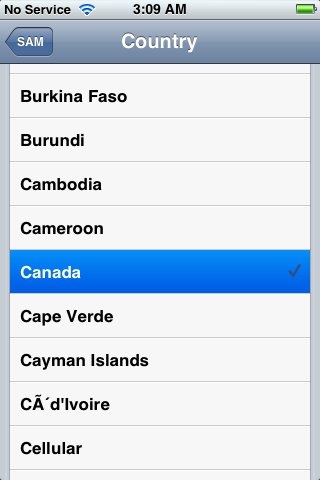
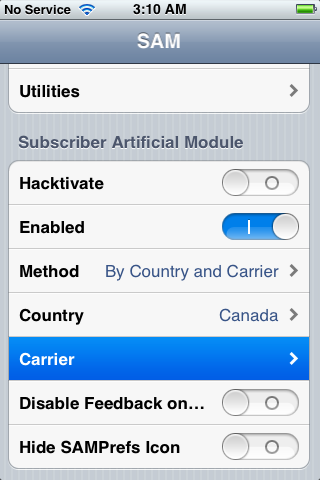
Step Nineteen
Tap
Carrier and choose your ORIGINAL carrier that your iPhone is locked to.
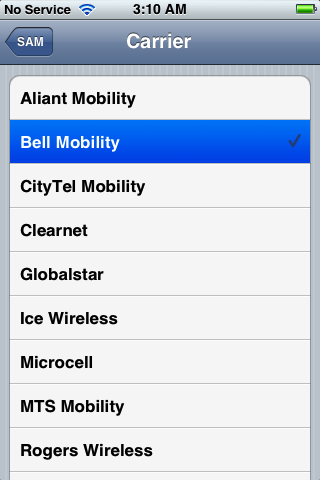
Step Twenty
For some carriers operating more than one Carrier ID you may need to select
SIM ID. If you are unable to activate in Step Twenty Four then you have selected the wrong one.
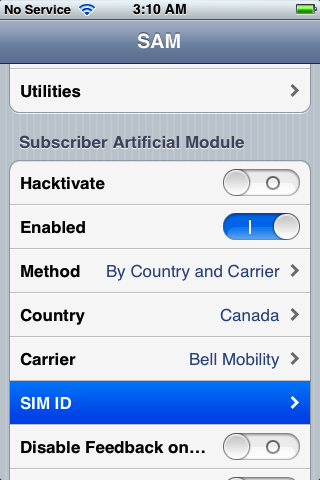
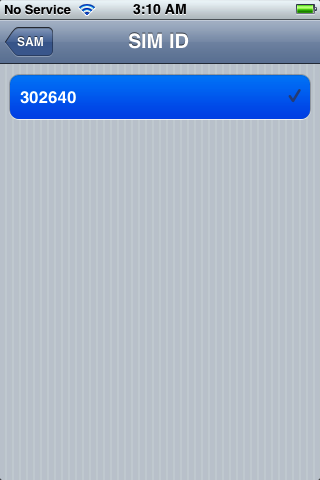
Step Twenty One
Tap
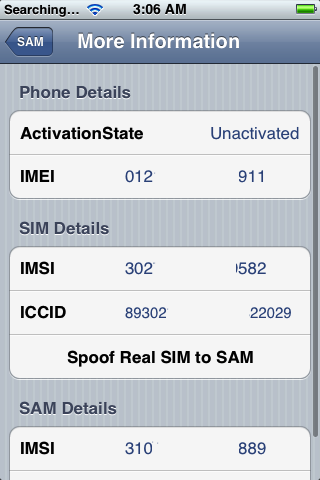
More Information and copy the IMSI under
SAM Details to the clipboard.
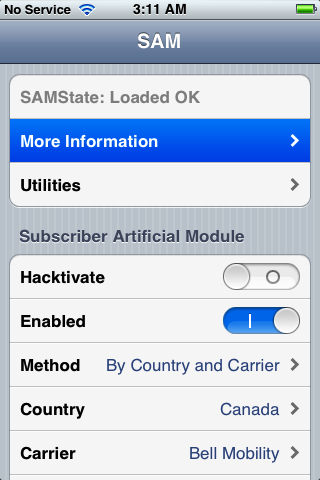
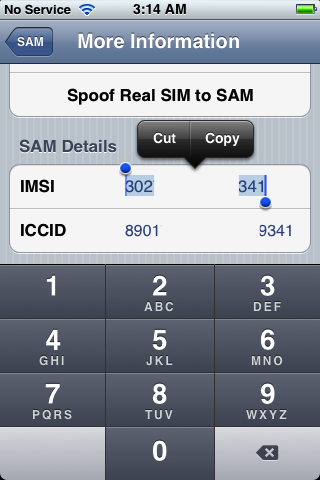
Step Twenty Two
Tap
Spoof Real SIM to SAM

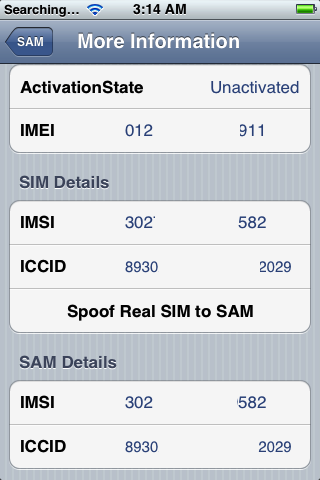
Step Twenty Three
Go back to the main SAM screen and paste the IMSI number in your clipboard.
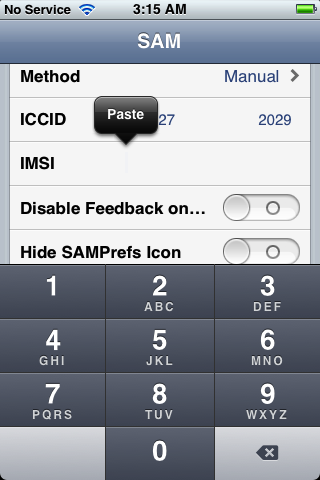
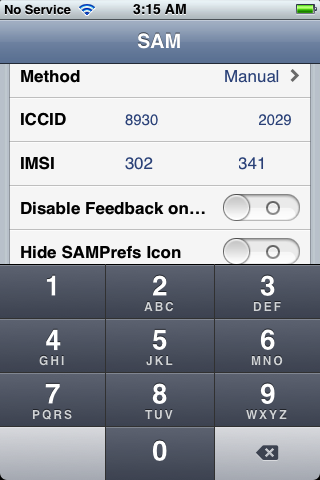
Step Twenty Four
Connect your iPhone to the computer and let iTunes reactivate your phone.

"Double click "Phone Number" parameter at the main device screen and make sure that the ICCID matches that of your SIM card." If not you need to start over from Step Fourteen."
Step Twenty Five
Unplug your iPhone from the computer and close iTunes.
Step Twenty Six
Reopen
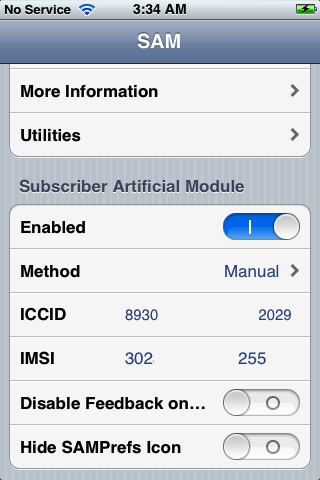
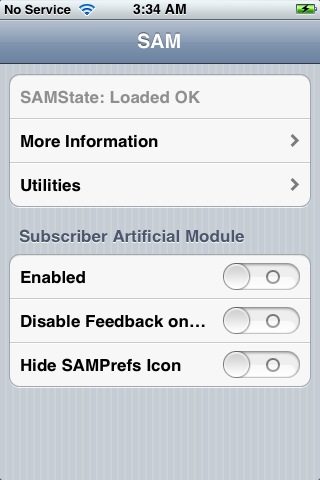
SAMPrefs from your SpringBoard and disable it using the
Enabled switch.
Step Twenty Seven
Connect your iPhone to the computer and launch iTunes again.
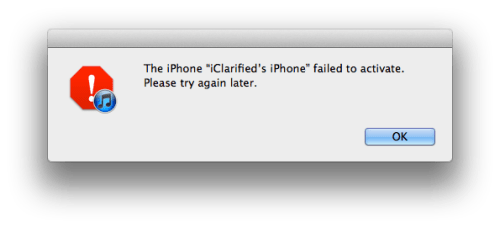
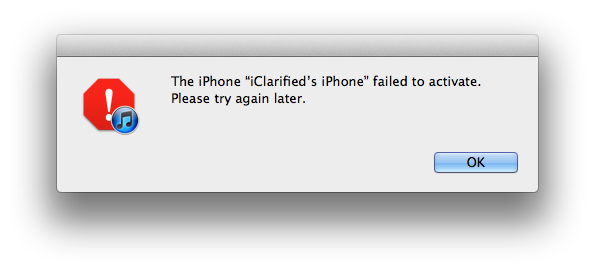
You should get an error saying that your phone cannot be activated. This is normal. Just close iTunes and open it again.
Step Twenty Eight
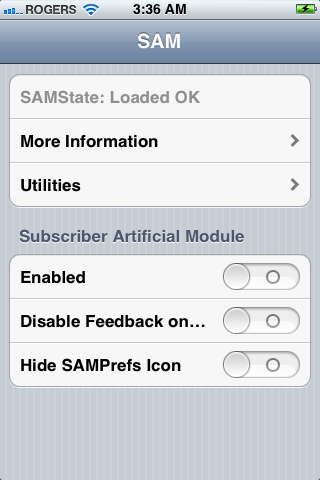
In a short time you should see signal bars. Congratulations!
Step Twenty Nine
You should now backup your iPhone unlock ticket in case this method is ever blocked. You can find instructions on how to backup the unlock ticket
here.
IMPORTANT:
If push notifications stop after this process, you can restore then with the Clear Push utility in SAM, followed by connecting to iTunes.
Your phone will work normally with your SIM card and that SIM card ONLY since we have tricked iTunes to think that ICCID is one of the intended carrier's. The phone can be rebooted and connected to iTunes freely without losing the "unlock", at least for now.
A big thanks to Loktar_Sun and Laforet for their contributions!
بالتوفيق للجميع



 جديد مفاجأة: فك شفرة ايفون 4 و 4s فيرجن 5 وما فوق واي بيزباند مجانا

 رد مع اقتباس


المفضلات