

وبعد كدة وصل التليفون فى اخر خطوة وسيبة لحد ميخلص

.gif)



وبعد كدة وصل التليفون فى اخر خطوة وسيبة لحد ميخلص
ابو حسن
تمام وانا معاك واخبرنى النتيجة وان شاء الله خير واكتب الحروف كبتل واوعة تفصل التليفون اثناء التفليش
ابو حسن

REPAIR INSTRUCTIONS:
Phone must be rooted!
If the software can't root the phone automatically,
then you must root your device manually.
1. Power on the phone.
2. Tap 7 times on 'Build number' in 'Settings'-'About phone' to enable 'Developer options',
go to 'Settings'-'Developer options' and enable 'USB debugging'.
3. Connect the phone to PC with USB cable, install drivers if needed.
4. Select device in ADB settings.
5. Fill values what you need to repair.
6. Press 'Repair' button.
7. Press 'Patch Certificate' if you have network problem after repairing.
7. Press 'Reset EFS' if you need to reset it.
Be carefully, do not perform this without necessity. Backup will be created automatically.
Repair DRK (Use it if you have DRK damaged (phone stuck on boot)):
1. Power on the phone in download mode (turn off phone, hold vol.down + Camera + Power).
2. Connect the phone to PC with USB cable, install drivers if needed.
3. Press 'Repair DRK' button.
Operation: Patch Certificate
Selected model: SM-G920F
Software version: 28.8.1
Waiting ADB device... OK
Reading phone info...
Model: SM-G920F
Android version: 6.0.1
Product code: SM-G920FZKAXSG
Phone version: G920FXXU5BPK2
PDA version: G920FXXS5DQA3
CSC version: G920FOJV4DPI4
CSC country code: UAE
CSC sales code: XSG
HW version: MP 0.800
Phone SN: RF8G41CQENJ
Chip name: EXYNOS7420
Modem board: SHANNON333
Security patch: 2017-01-01
RF cal date: 20150418
IMEI:
Checking Super user right... true
Initialization zTool... OK
Running zTool, please wait... OK
Reading modem... OK
Patching modem... OK
Writing modem... OK
Rebooting phone... OK
Patching CERT check... done
Done with Samsung Tool PRO v.28.8.1
مارايك اخي الان والان تظهر اشارة الشبكة ولكن بدون بروج والايمي والسيريال صحيحين
ويعطيني لا يوجد اتصال بالشبكة
اخى طيب اعمل ريبير ايمى وبعد كدة باتش سيرت وشوف النتيجة ام اكتب ملف سيرتالمشاركة الأصلية كتبت بواسطة basharadd

وازا لم تنجح
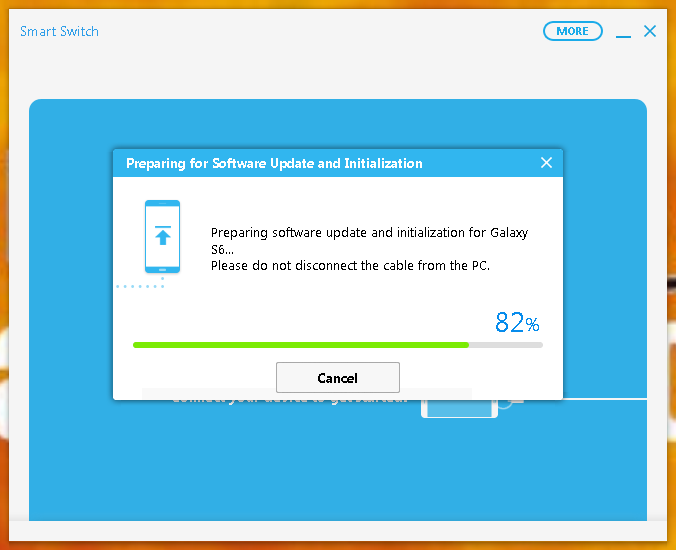
فلش سمارت سويتش وريح دماغك وانا حطيتلك صور للعملية والفلاشة متوفرة
ابو حسن
 basharadd مُعجَبون
اخي بعد تفليش الجهاز الايمي والسيريال صحيحان ولكن مشكلة الدائرة عند الشبكة
عملت اية اخى
ابو حسن
اخى فلش بفلاشة اربع ملفات احدث اصدار
G920FXXU5DQC4_AFR5DQC2_V6.0.1_Repair_Firmware_4Files.rar
او
G920FXXU5EQD3_OJV5EQD1_V7.0_Multi_languages_Repair_Firmware_4Files.rar
ابو حسن
المشكلة انحلت اعتقد لان الشبكة تاتي وتختفي بعد ثوان هل ايضا ممكنمشكلة تكون هارد وير
مبروك الحل الجزئى المشكلة شكلها هارد وير انت فلشت عن طريق سمارت سويتش
ابو حسن
 ضوابط المشاركة
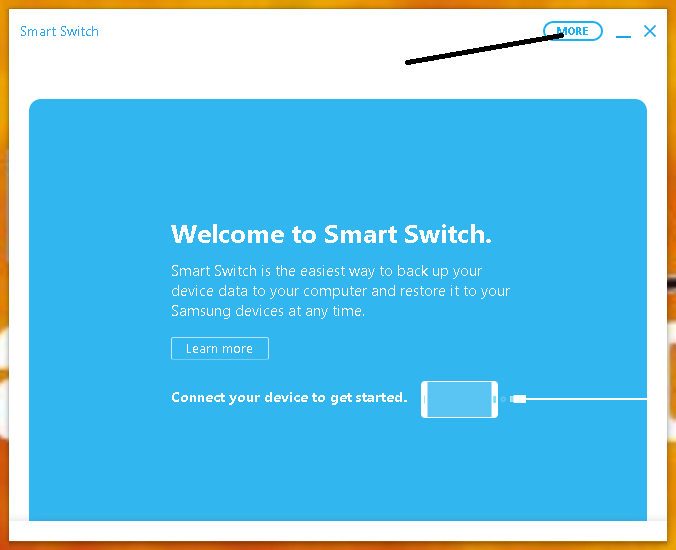
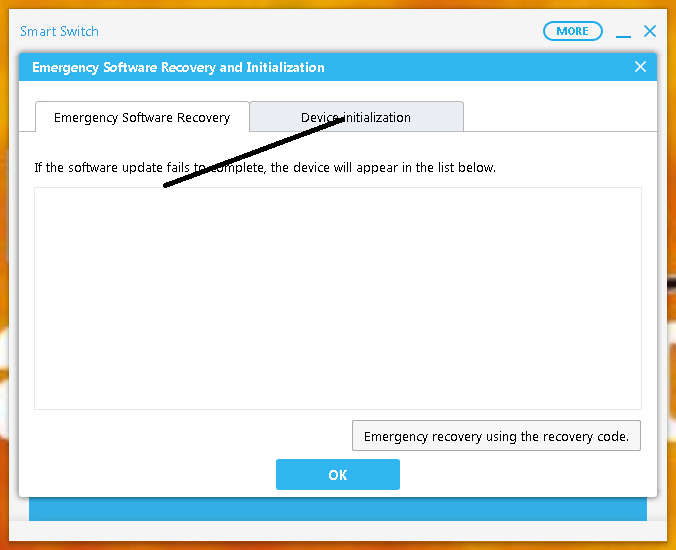
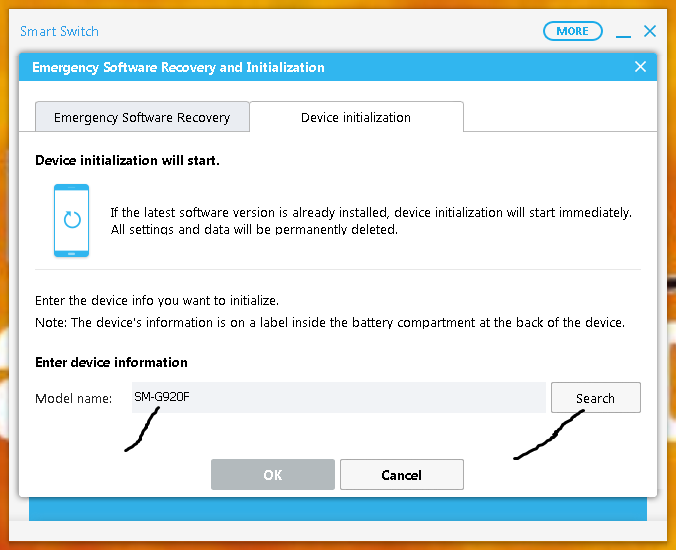
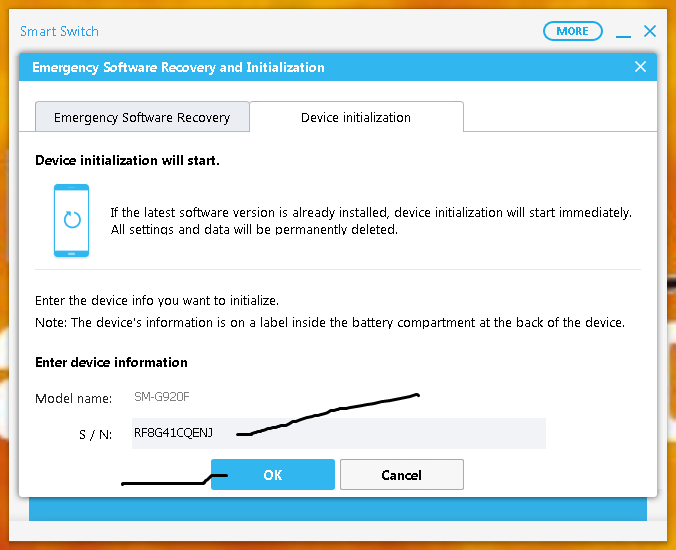


 رد مع اقتباس
المفضلات